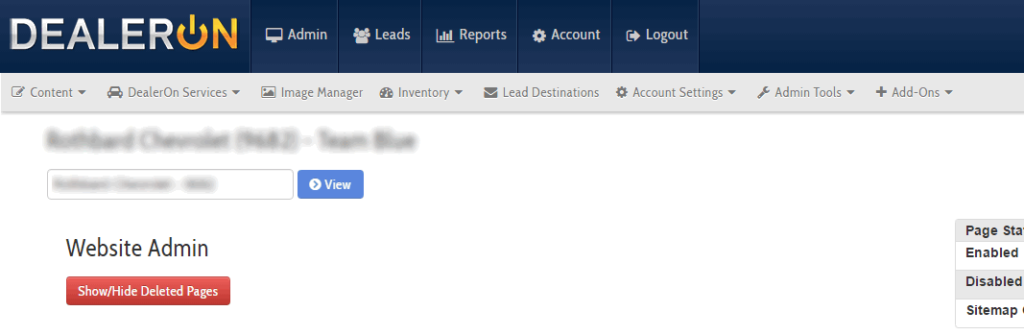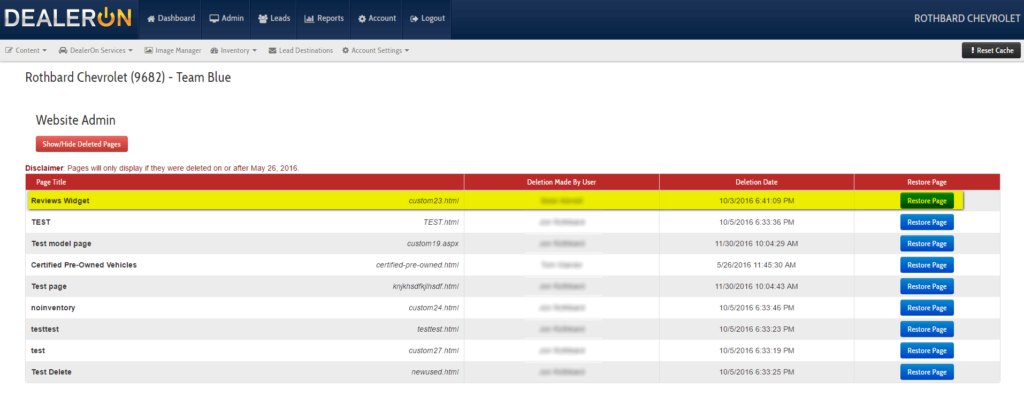
This update will come in handy for sure! We now have the ability to restore deleted pages in the CMS. Just go to Site Content and hit the red “Show/Hide Deleted Pages” button at the top of the page. You will then see a list of deleted pages, who deleted it, and when it was deleted, along with the option to restore the page. Rejoice!