We now have the ability to display custom disclaimers on the hours page for all departments. Just go to DealerOn Services > Dealer Info > Hours, enter the disclaimer text and hit save!
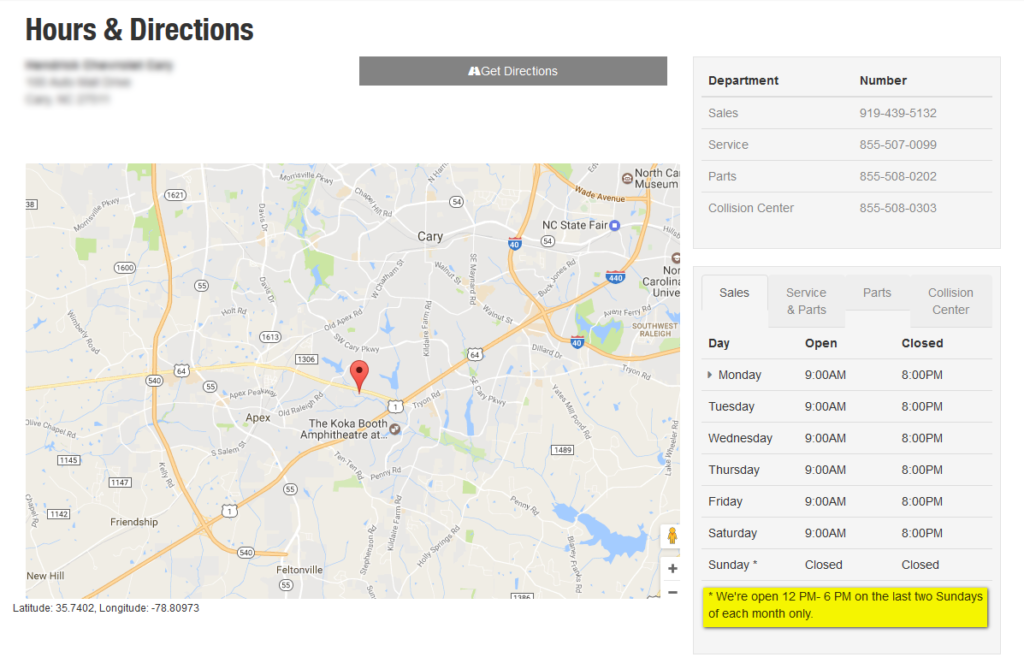
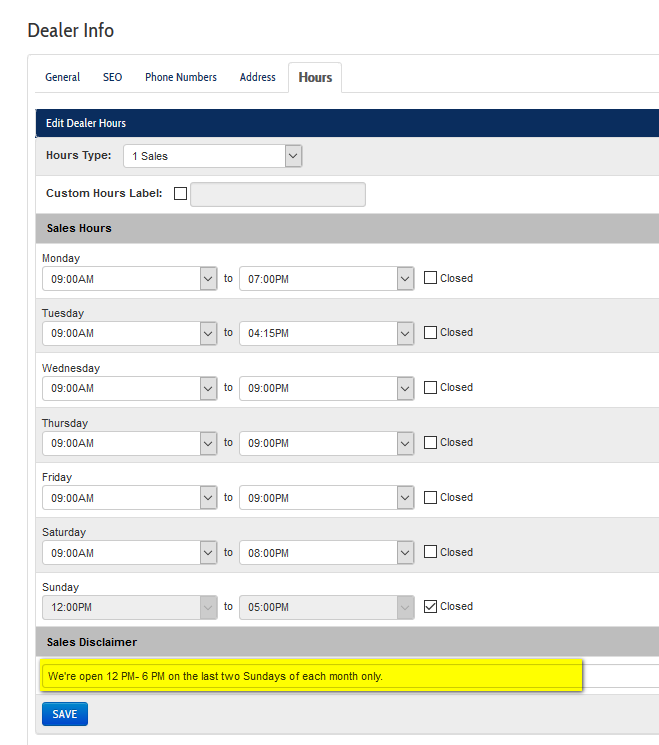

We now have the ability to display custom disclaimers on the hours page for all departments. Just go to DealerOn Services > Dealer Info > Hours, enter the disclaimer text and hit save!
Another quick security update to the CMS…Users will now be locked out of their account after 3 failed login attempts. Accounts will also be locked after 120 days of activity.
When a user gets locked out, the following message will appear:
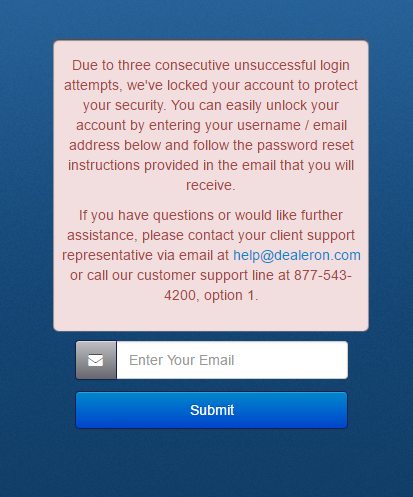
A quick call to the Support team will get you unlocked!
We’ve made some updates to User Accounts in our CMS. Here are the highlights:
You’ll see this screen when it’s time to reset your password:
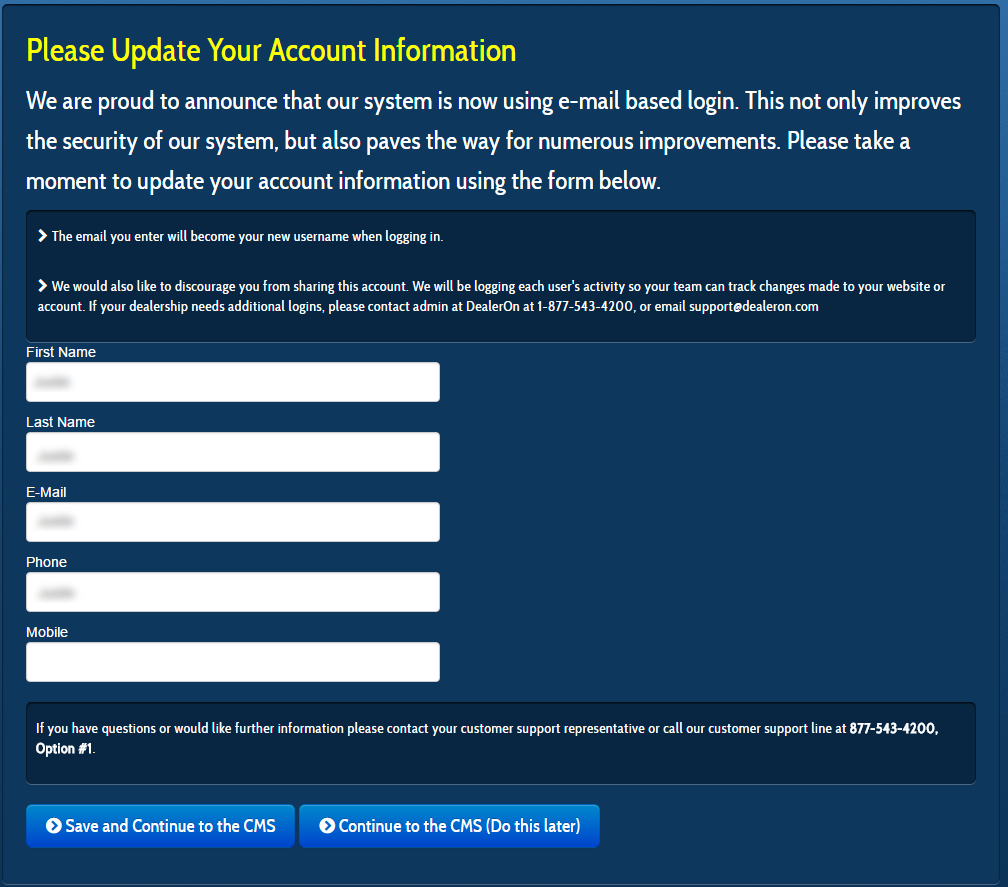
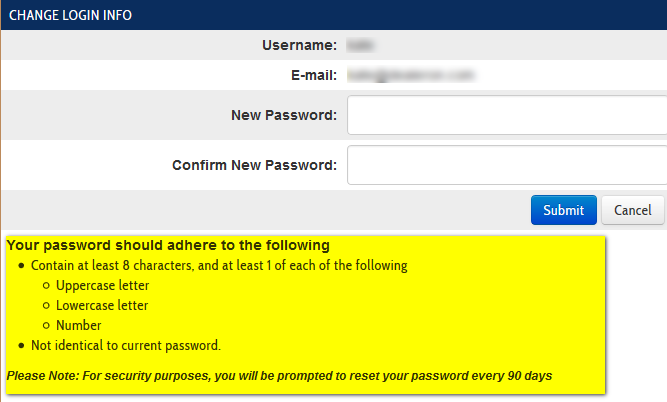
We’ve also added the password requirements to the “Change Login Info” section in the CMS:
Yelp is now available as an option in Social Media Settings which will also provide customers the option to leave a Yelp review on our platform Reviews page.
Just enter the Yelp URL in the Social Media Settings in the CMS:

And it will then show up in the header along with the other Social Media icons:

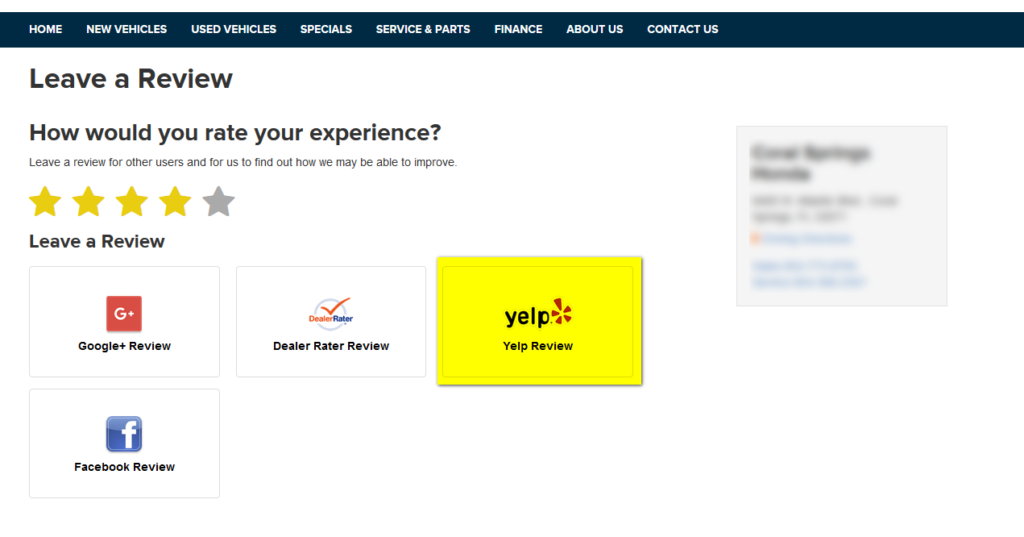
And will also be available on the Customer Reviews page:
We’ve added the ability to sort and display inventory using custom tags. This allows us to display and filter inventory using any custom tags added to an inventory feed and is useful in being able to display additional features and options. To start using this feature, just edit any Inventory Search Results page in the CMS, and you’ll see “tags” in the list of options on the right hand side of the page:

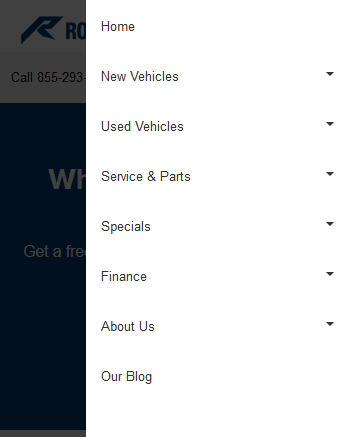
In our effort to continuously improve user experience across devices and overall website performance, we have released a new and improved navigation menu. The new navigation will dramatically improve user experience on tablets and mobile devices.
Improvements include:
We made a small quality of life update to the page editor screen in the CMS. When editing a page, you’ll now see the URL of the page at the top of the editing screen as noted in the screenshot below:

Our platform now has the ability to refine inventory search results by distance/geographic location. This new feature is helpful for larger dealer groups with multiple locations spread out across a wide geographic area.
How it works:
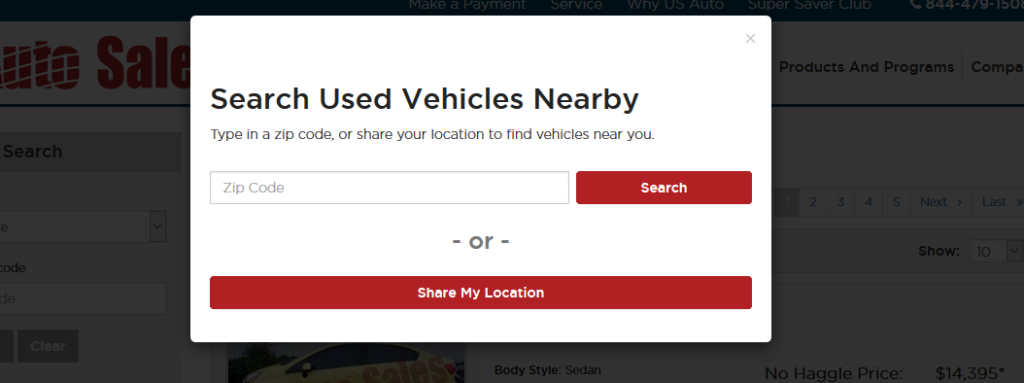
When a visitor navigates to the inventory search page, a pop-up window displays prompting the visitor to either enter their ZIP code or share their location. Search results are sorted by distance from the location specified:
Additionally a distance filter is available in refine search options for any inventory page (currently available for group sites only):
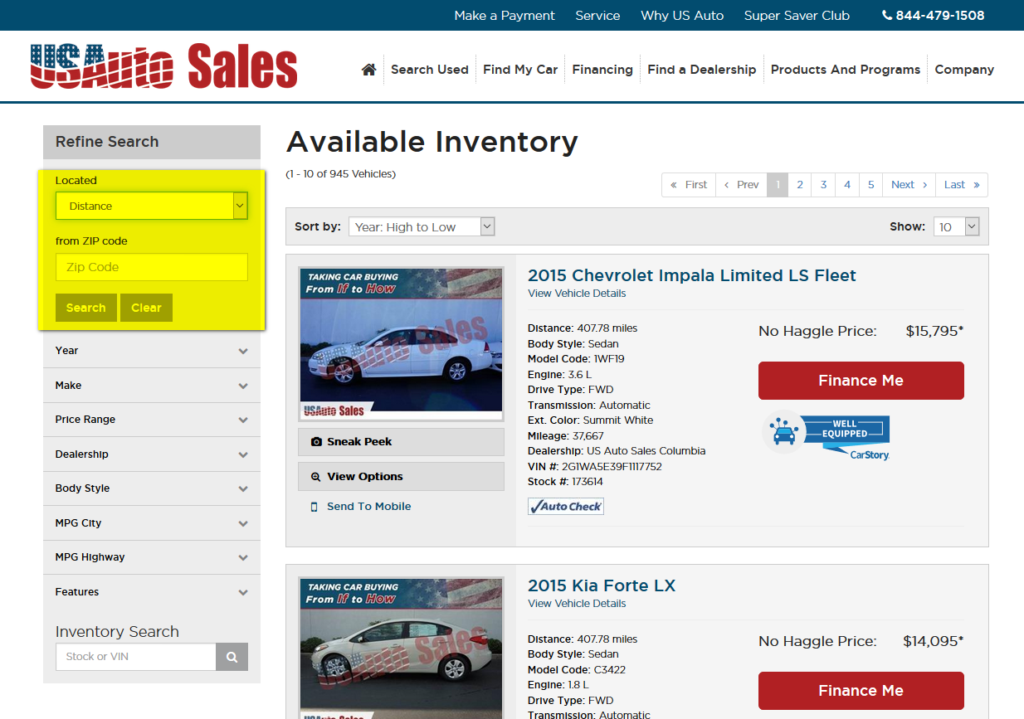
A few things to note:
We now have a platform page for collecting customer reviews. This page was designed to provide an easy way for dealers to solicit customer reviews right on the website. The URL for the new page is “/customer-reviews.aspx”, and it’s available for use right away. Simply go to http://yourwebsite.com/customer-reviews.aspx and you’re ready to roll!
Here’s how it works:
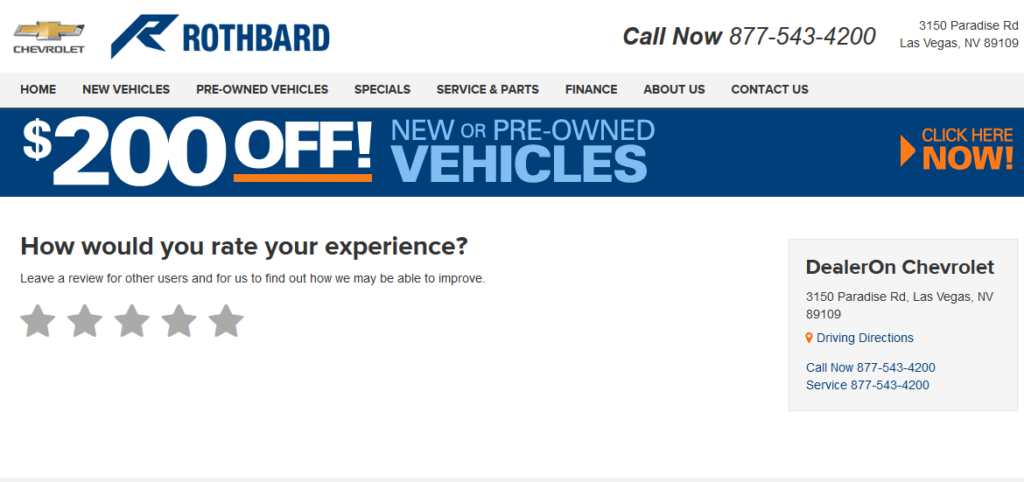
Navigate to http://yourwebsite.com/customer-reviews.aspx and click on the star rating (1-5):
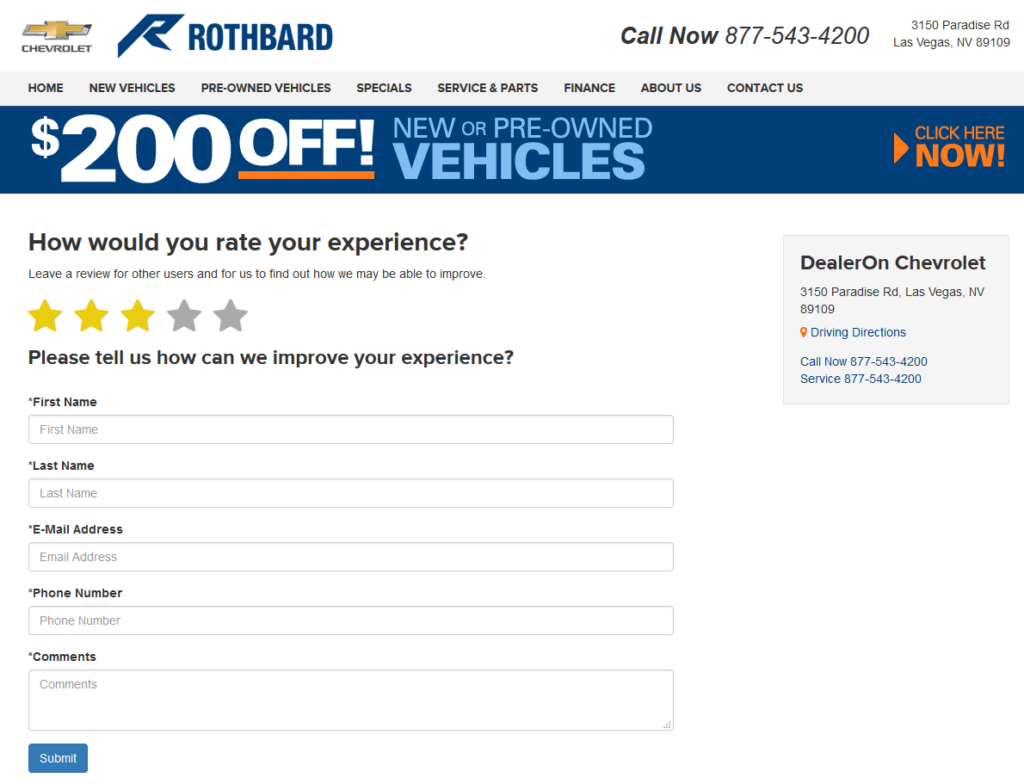
If a rating of 1-3 stars is given, a contact form displays:
If a rating of 4-5 stars is selected, links to review sites will be displayed. We display review profiles based on the social media profiles you have set up in the CMS.
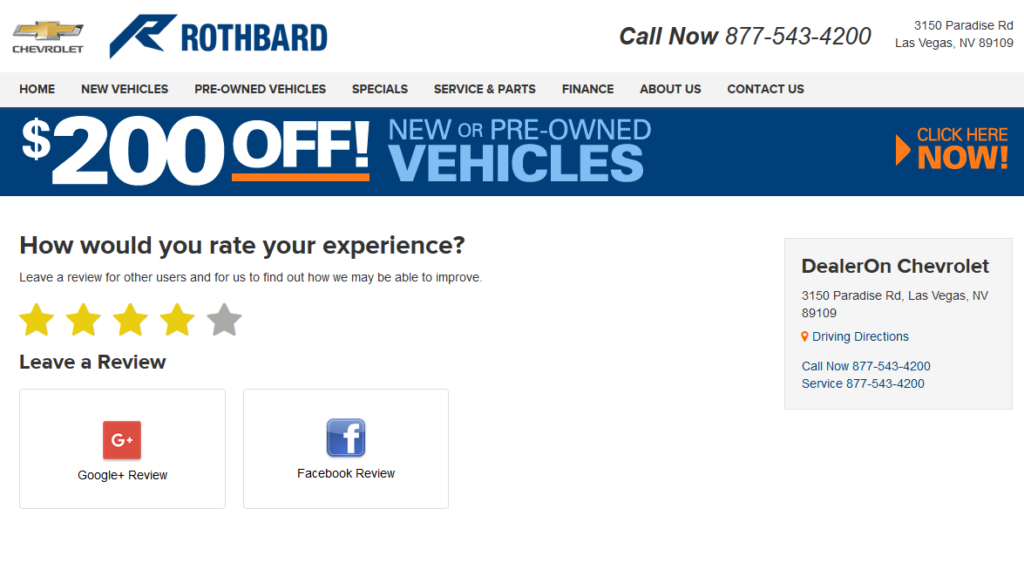
Available review sites:
We expanded the functionality of URL Redirects section to allow users the ability to edit existing redirects rather than add/delete.
