
The next time you go to add a new employee to your staff page, you may notice that the Edit Staff Page UI in the CMS has changed:
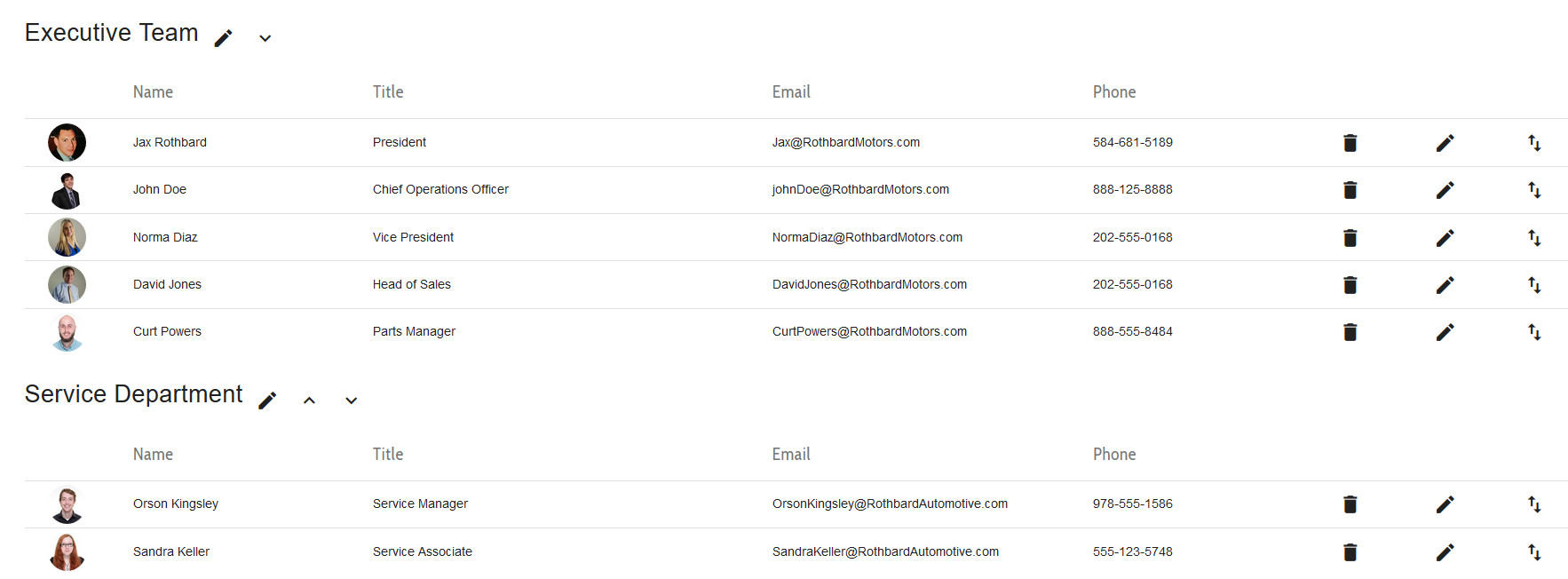
We have made some improvements to the look and feel, along with improving the overall user experience when adding or editing staff and departments.
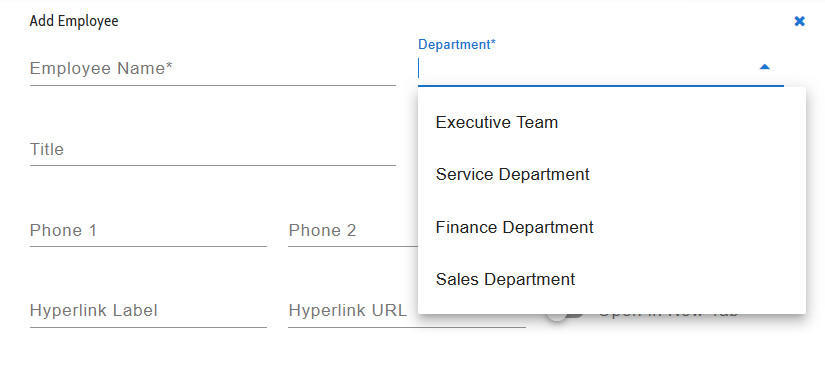
Now when you add a new employee, you can designate what department to add them to either by selecting an existing one from the dropdown, or by typing a new department name in the field, which will then create that department:
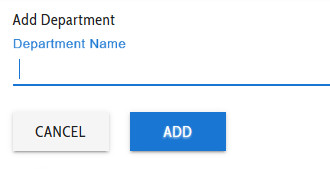
You can also create a new department in the normal manner:
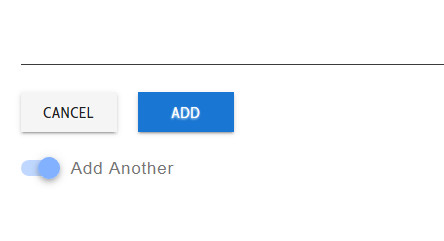
When adding either new people or new departments, you have the option to “Add Another”. Activating this switch keeps the creation window open until you have added as many as you need to:
All your adding, editing, and configuration options can be accessed by clicking on the orange button in the lower right-hand corner of the screen:
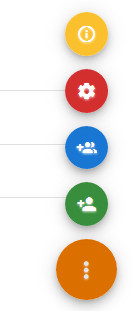
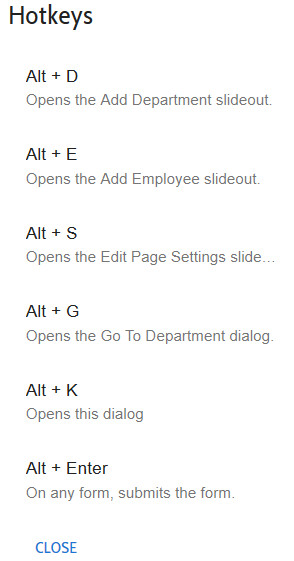
Also included in this fancy new UI are hotkeys – the menu is accessible by clicking the yellow button seen above, or by pressing Alt+K:
We encourage you to go explore the new UI – please let us know if you have any questions!